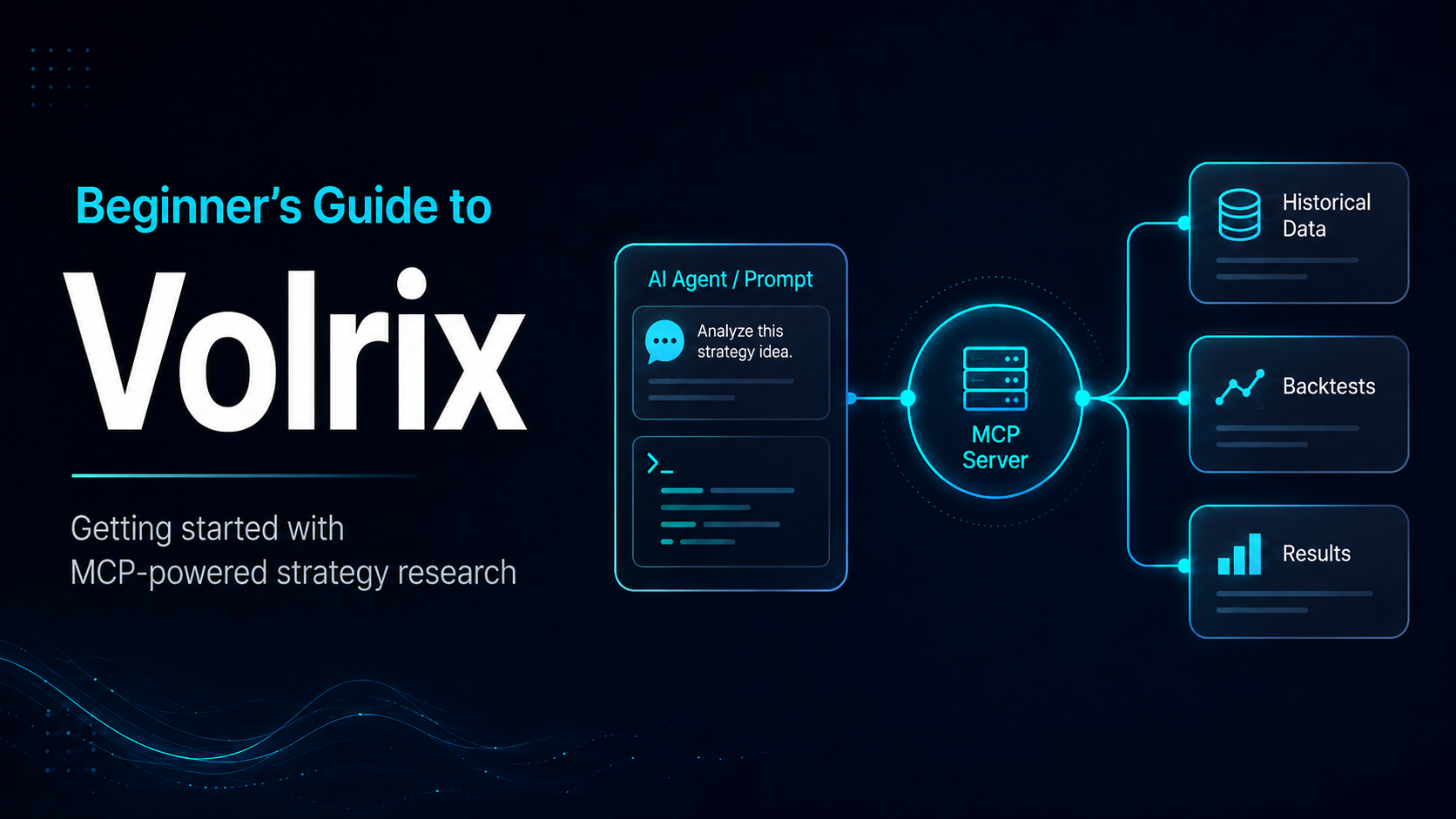
Beginner’s Guide to Volrix
Thank you so much for trying out Volrix.
It has been around 14 days today (18th June 2026) since we launched, and honestly, the love and support we have received from everyone has been amazing.
This blog is a beginner-friendly guide to help you understand how Volrix’s Research Engine works, how to connect it with your AI agent, and how to run your first backtest.
What is Volrix?
Volrix is a market research engine that connects with AI agents using the MCP protocol.
Through MCP, Volrix provides your AI agent with tools, skills, and connectors that help it understand how to convert your prompt into strategy code. This code then runs on Volrix’s backtesting framework and gives you the results.
In simple words, Volrix lets you describe a trading idea in natural language, and your AI agent can use Volrix to backtest and research it.
How to connect with Volrix
Once you log in to app.volrix.ai, you will find the setup guides under the Connect your client section.
From there, you can connect Volrix with supported AI clients and start using it through your AI agent.
Here's a quick video on connecting it with claude : Video
Here's a quick video on connecting it with AntiGravity (Gemini) : Video
We'll add more videos soon.
How does Volrix work?
Volrix’s MCP server provides instructions to the LLM on how to write strategy code as per Volrix’s Research Engine.
Once the code is written by the AI agent, it is sent to a sandbox where it runs on Volrix’s servers. After the backtest is completed, Volrix returns the output, which can include:
- Strategy metrics
- Trades data
- Drawdown
- PnL curves
- Performance analysis
- Movement-based analysis
- Other strategy insights
The idea is simple: you focus on the trading logic, and the AI agent uses Volrix to research and backtest it.
Best way to use Volrix
Volrix MCP works best when used with strong AI coding models.
You can use it with models like Claude Sonnet on medium or high effort, Codex, DeepSeek, Kimi, or other coding-focused models. But with any model, always make sure you ask the AI agent to explain what it has built and whether it matches your actual strategy logic.
This becomes even more useful when you use Volrix through desktop apps or CLI tools, because you can store your strategy code, trades data, metrics, and logs locally.
By default, Volrix only stores your backtest data for 2 hours.
We will soon do audits around this as well, but your trading strategy is safe with us. We do not store it or save it to any persistent database.
You can also read the detailed methodologies, assumptions, and limitations of our backtesting engine here:
Volrix Backtesting Methodologies and Assumptions
How to write a prompt to backtest with Volrix
Your prompt should be very clear and should explain exactly what you want to backtest.
Let’s take a simple example of a famous 09:30 straddle.
Backtest a trading strategy in NIFTY where ATM CE and PE are sold at 09:30 AM and exited at 15:15 PM. Apply SL of 30% on each leg. Backtest using Volrix MCP.
In the first prompt of a new chat, it is better to mention “Backtest using Volrix MCP” so that the AI agent clearly understands which tool it needs to use.
The above prompt will run the backtest and return metrics without slippage, transaction charges, or brokerage.
To include these costs, you can write a more detailed prompt like this:
Backtest a trading strategy in NIFTY where ATM CE and PE are sold at 09:30 AM and exited at 15:15 PM. Apply SL of 30% on each leg. Backtest using Volrix MCP.

Provide metrics in a tabular format. Consider slippage of 0.5%, and also include transaction charges and brokerage as ₹20 per order.
This prompt gives the AI agent more clarity. It will understand the strategy, use Volrix MCP, run the backtest, and return the metrics with charges in a tabular format.
Storing results locally
If you are using Volrix through desktop or CLI tools, it is always better to store the results locally for each strategy, or at least for the strategies you want to research seriously.
This is useful because Volrix only stores trades and results for 2 hours by default.
You can add a prompt like this:
For the strategy researched, store the trades, metrics with and without slippage, and the code used to research it in the directory TBS strat/ on the Desktop.

Put the trades in a trades directory with the version of the strategy, and do the same for the code in a codes directory.

Store the metrics in an Excel file each time, and append the Excel file whenever a new version of the same type of strategy is tested.
Sometimes, after a long conversation, the AI agent may miss doing this. If that happens, just ask it again.
If you are using Claude, you can also write this instruction in your claude.md file so that it remembers this workflow every time.
How to get better output from LLMs
Although Volrix can backtest many types of strategies and the overall agentic loop has become quite efficient, AI models can still hallucinate.
This usually happens when the context gets overloaded, or when the AI agent has not understood your request properly.
So, after you get the first result for any new strategy, always ask the AI agent to explain what it has built.
You can use this prompt:
Describe the trading idea built here. Confirm it with the logic sent by me and check how Volrix has backtested it. Explain the logic used by you in a proper way.
This helps you understand what the agent actually built.
It also helps you verify whether the strategy matches what you wanted to test.
Always do this for a new logic before running it over a longer time period.
Important note on capital
By default, Volrix takes capital as ₹1.5 lakh.
This is a fixed value and is not automatically calculated based on the actual margin required for the strategy.
So either ask the agent to calculate or estimate the accurate capital required, or mention the capital value yourself in the prompt while asking for the metrics.
For example:
Use capital as ₹3,00,000 while calculating the strategy metrics.
This will make the metrics more aligned with the capital you want to consider.
Tips to write better prompts
Here are a few simple things that can improve your results:
- Always explain the strategy clearly.
- Mention the instrument, entry time, exit time, SL, target, and quantity.
- Mention whether the logic is based on Days to expiry, Days from last expiry instead of day of the week. Example for expiry trades mention 0DTE instead of Tuesday.
- Be clear about whether SL is on each leg, combined premium, or total MTM.
- If you do not have a clear idea yet, ask the LLM to formulate the logic, but always review what it has built.
- Before running a long backtest, first ask the agent to explain the strategy logic back to you.
The clearer your prompt is, the better the output will be.
How to optimize the results
There are multiple ways to optimize a strategy using Volrix.
1. Fixed optimization
In fixed optimization, you tell the agent exactly which parameters to test.
For example:
Optimize this strategy with entry times as 09:25, 09:30, 09:35, and 09:40.

Test SL values of 30%, 50%, and 100%.

Compare the results in a table and show the best version based on drawdown, return, and Calmar ratio.
This is useful when you already know the parameters you want to test.
2. Random optimization
In random optimization, you ask the AI agent to look at the results and suggest what can be improved.
For example:
Based on the results of this strategy, suggest what parameters can be optimized further.

Then run a few variations that you think can improve the strategy performance.
This is useful when you do not know exactly what to optimize, but you want the agent to explore possible improvements.
3. Goal-based optimization
In goal-based optimization, you give the agent a target and ask it to optimize the strategy until it gets closer to that target.
For example:
Optimize this strategy until we get a Calmar ratio above 3.

Try changing entry time, exit time, SL, and filters. Keep the logic simple and show the final comparison table.
This is useful when you care about a specific metric, like Calmar ratio, drawdown, Sharpe ratio, win rate, or average monthly return.
Final thoughts
Volrix is built to make trading research more natural.
Instead of using fixed templates or manually coding every strategy from scratch, you can now explain your trading idea to an AI agent and let it use Volrix to backtest and analyze it.
But always remember, AI agents can make mistakes.
So keep reviewing the logic, ask the agent to explain what it has built, and verify the results before relying on any strategy.
The best way to use Volrix is not just to run one backtest, but to keep researching, comparing, optimizing, and understanding what is actually working.